
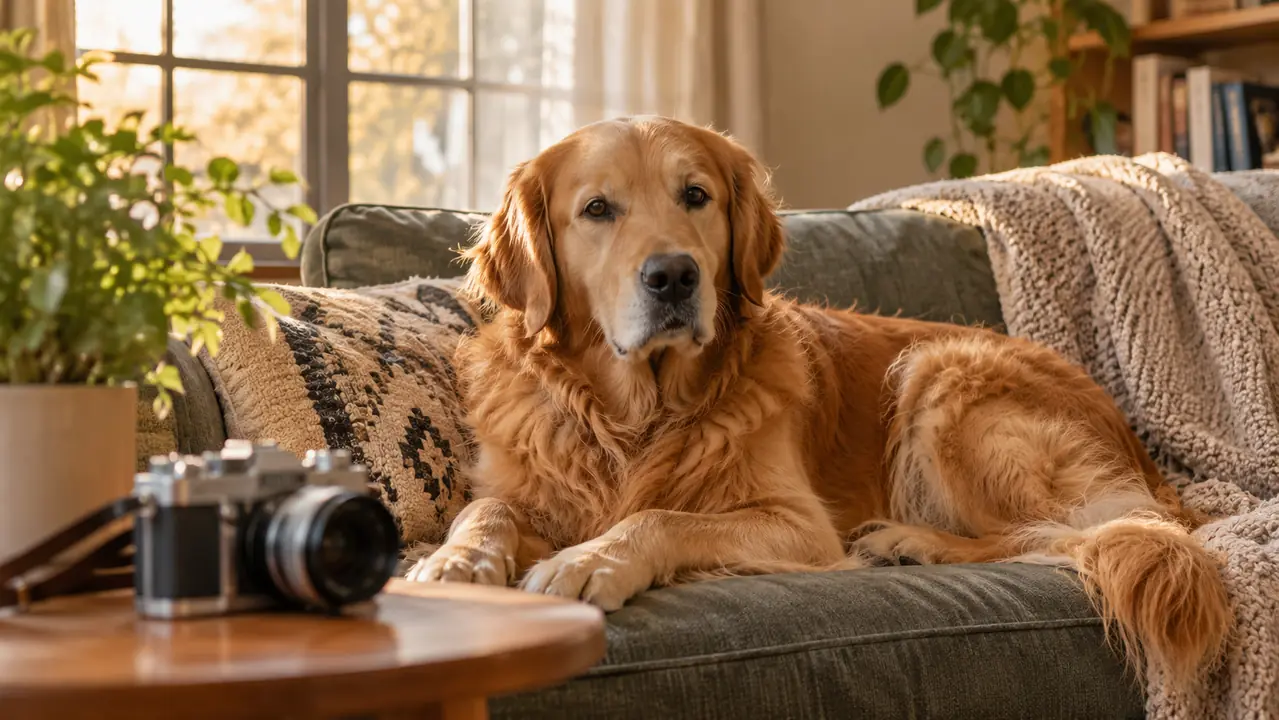
The first week I was home full time, I wore a path in the hallway. Gunner is a 6-year-old boxer mix, 68 pounds, and he has strong opinions about where I should be standing at any given moment. I would sit down with coffee, get up to check the back door, sit down, get up again. Twenty trips a day, easy. My back does not need twenty trips down a hallway, and my knees have been clear about that too.
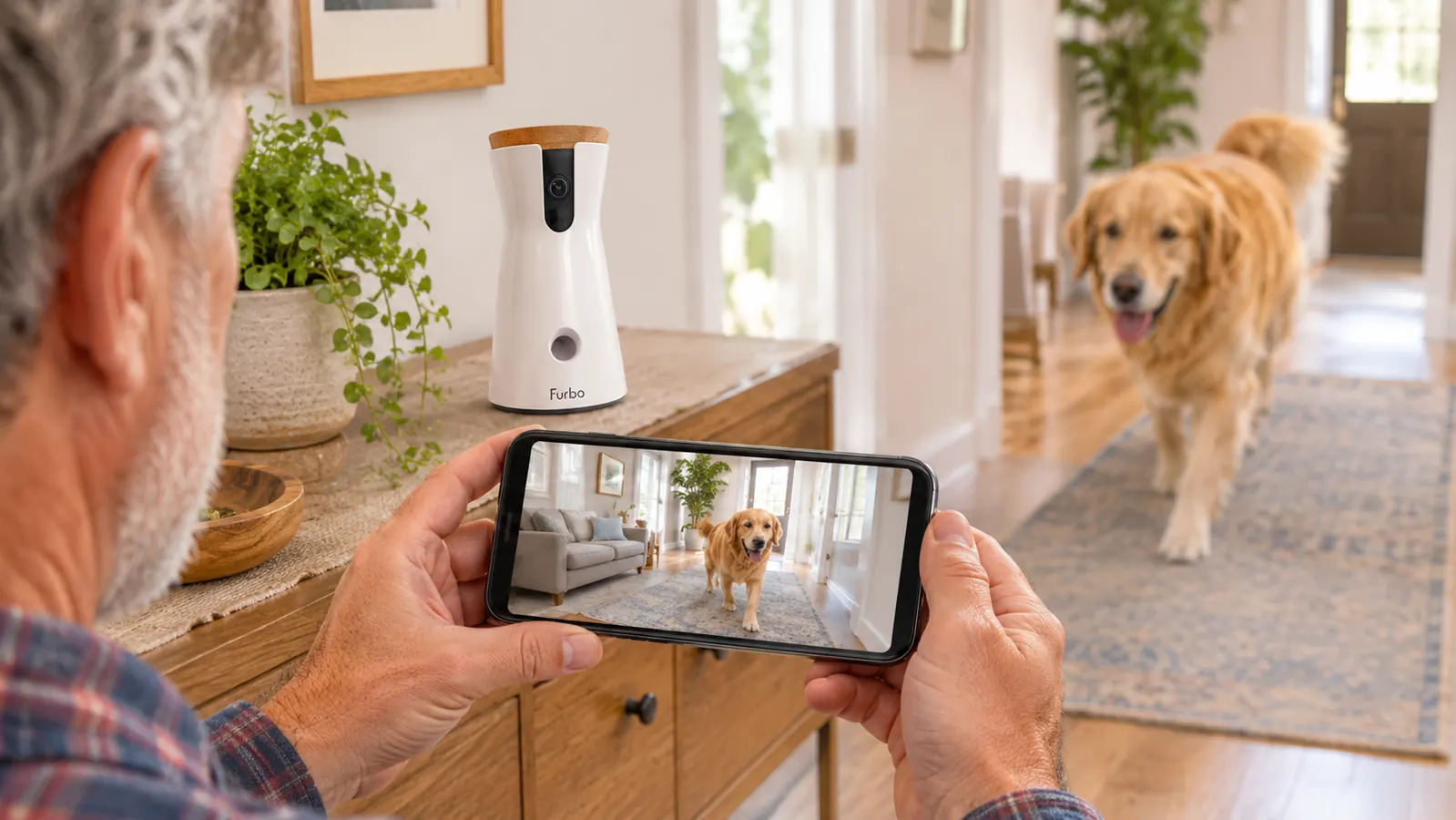
So I bought a camera. Then I bought a second one, which was a mistake, and returned it. What I learned is that the hardware is the easy part. The Furbo 360 Dog Camera does what the box says: 1080p live view, a motorized 360 view, two-way audio, night vision, a barking alert and a treat toss, and the basic see, talk and toss features work without a subscription. What took me a month to work out was where to put it, what to turn off, and how to keep it from becoming one more screen I check out of nervous habit.
The version with no monthly bill is the one I actually use
See, talk and toss are included with no ongoing cost. That is the setup in this guide, and it is the setup I run every day from my phone.
Amazon Check Today's Price on Amazon →Step 1: Pick the Room by Where He Settles, Not by Where the Outlet Is
The first mistake I made was mounting it in the room with the easiest outlet. That put it in the kitchen, where Gunner walks through for four seconds on his way to the back door. I collected nine hours of footage of an empty tile floor and a refrigerator. The room that matters is the one he actually settles in. In our house that is the living room couch, plus the hallway he crosses to get there. The listing names hallway, living room and study as likely rooms, and that matches what I found: the camera wants a room where the dog lingers, not a corridor he sprints through.
Once the room is settled, deal with power. The Furbo is corded electric, so wherever it goes, an outlet has to follow. I ran the cord along the baseboard and behind the couch, which took ten minutes and one cable clip. It sits on a side table at about knee height, above Gunner's eye line but below the window. It weighs 1.04 kg, and it does not slide when he bumps the table on his way past, which is more than I can say for the lamp that used to live there.
One more thing about placement. Do not put it in front of a window if you can help it. The first afternoon, sun came through the back glass and turned the whole live view into a bright rectangle with a dog-shaped shadow in the middle. I rotated the camera ninety degrees and could suddenly see his face. If the only outlet is near a window, a curtain solves it. It also looks like it belongs on a shelf rather than like security equipment bolted to a wall, which I appreciate more than I expected to.
Step 2: Learn the Two Views While You Are Still Standing in the Room
The first time you open the app, do it standing in the same room as the camera. Rotate the view all the way around once, slowly, and watch what passes through the frame. A single 360 sweep from my side table catches the couch, the back door, his water bowl and the front of the hallway. That is the real argument for the rotating view: one camera covering a room instead of three cameras covering corners.
Then pick your default angle, the one you will actually look at when you are away. Mine points at the couch. When I open the app from a restaurant parking lot, I do not want to hunt. I want one tap and a picture of whether he is asleep or standing at the door.
The 1080p picture is enough to tell a napping dog from a dog with his ears back and his mouth open. Night vision matters more than I expected. Most of my checking happens around 5:40 in the morning before the sun is up, and the night view means I can look without flipping on a lamp and waking the house. It works on both iPhone and Android, so the phone already in your pocket is the phone that works. No extra hardware, no second device to charge.
Step 3: Tune the Barking Alert Before You Trust It
The barking alert is the setting that decides whether this camera helps you or drives you up a wall. Turned on out of the box, it will tell you when he barks. In our house he barks at the mail truck, the neighbor's gate and occasionally a leaf. If every one of those pushes a notification to my phone, I stop reading them, and then the one that matters gets ignored with the rest.
So I spent a week watching instead of reacting. Each time an alert came in, I opened the app and looked. Nine times out of ten, Gunner was at the front window with his tail going, watching a delivery van leave. The tenth time, he was at the back door and the water bowl was tipped over. That ratio is the entire point. The alert gets me to look, and looking tells me what it actually is.
The two-way audio needs the same restraint. There is a volume control in the app, and mine sits at about a third. If I talk to him the second he barks, I teach him that barking summons my voice, which is the opposite of what I want. Now I wait until he has stopped, then say his name once. He looks around for me, does not find me, and goes back to the couch. That is a win.
The barking alert is the feature I use least and the one that has stopped me from driving home for no reason.
Step 4: Use the Treat Toss With a Plan, Not Like a Slot Machine
The treat toss is the feature people show off, and it is also the one most likely to be used badly. It throws a treat a short distance across the room. Reward every whine with it and you have built a vending machine that requires a sad noise. Gunner worked that out in about three days.
What worked was tying the toss to a behavior I wanted anyway. When he settles on his bed instead of pacing at the door, he gets a toss. When he comes in from the yard and lies down, he gets a toss. Small treats, one at a time, never during a barking fit. Two weeks of that and the pacing got noticeably shorter, not because a camera trained him, but because I was finally consistent about rewarding the thing I wanted.
A practical note: test the toss while you are home. My first one went long and bounced off the wall behind the couch, and he spent ten minutes looking for it under the furniture. Aim once, watch where it lands, adjust. Small thing, saves a surprising amount of confusion.
Step 5: Replace the Checking Habit With Three Scheduled Looks
Here is the part nobody mentions. A camera can easily make you worse. I went from checking the back door twenty times a day to checking my phone twenty times a day, which is the same habit in a nicer shirt.
So I set limits. Three looks a day: one after breakfast, one in the middle of the afternoon, one before bed. That is it. If the barking alert fires, I look, because that is what the alert is for. Otherwise the phone stays in my pocket and I go do something useful.
The payoff shows up when I am out. I play in a weekend senior softball league, and I used to leave after the fifth inning to get home. Now I look once between innings, see him asleep on the couch, and stay for the whole game. Same with the golf cart. I take it around the neighborhood in the evenings, and a thirty second look at the app means I am not turning around early. The camera did not make me less attached to that dog. It made the checking cheap enough that I could stop doing it constantly.
What Else Helps
Signal strength. The Furbo connects wirelessly, and the first spot I tried was behind a brick wall at the far end of the house, where the live view stuttered and froze. Moving it eight feet toward the center of the room fixed it completely. If your video locks up, move the camera before you blame the camera.
Keep the lens clean. Gunner sheds year round, and a fine coat of hair and dust across the front of a dome will make a 1080p picture look like a decade-old phone video. A dry microfiber cloth once a week takes five seconds. Skip the glass cleaner.
Have a backup person. A camera is not a plan for a dog with a medical problem. My neighbor has a key, and if the app shows me something that worries me, I call her before I call the truck. The camera tells you something is off. It does not tell you what to do about it.
What It Doesn't Do
It has to be plugged in. This is a corded electric device, so it lives near an outlet, and it will not sit out in the back yard on a battery. If your dog spends his whole day outside, you are buying a camera for the room he comes into, not for the yard.
It does not diagnose anything. A camera shows you a dog standing at the door or lying on the couch. It does not tell you whether the stiffness in his back hips is worse this week, and it does not replace a vet. Gunner has a little stiffness on cold mornings, and I can watch him move on the live view, but what I do about it still comes from his vet and from watching him in person, up close, with my hands on him.
And the basic features are the basic features. There is no ongoing cost for see, talk and toss, which is exactly what I wanted. If you are expecting the unit to also feed him, walk him or read his temperature, this is not that product, and no camera is.
Who This Fits Best
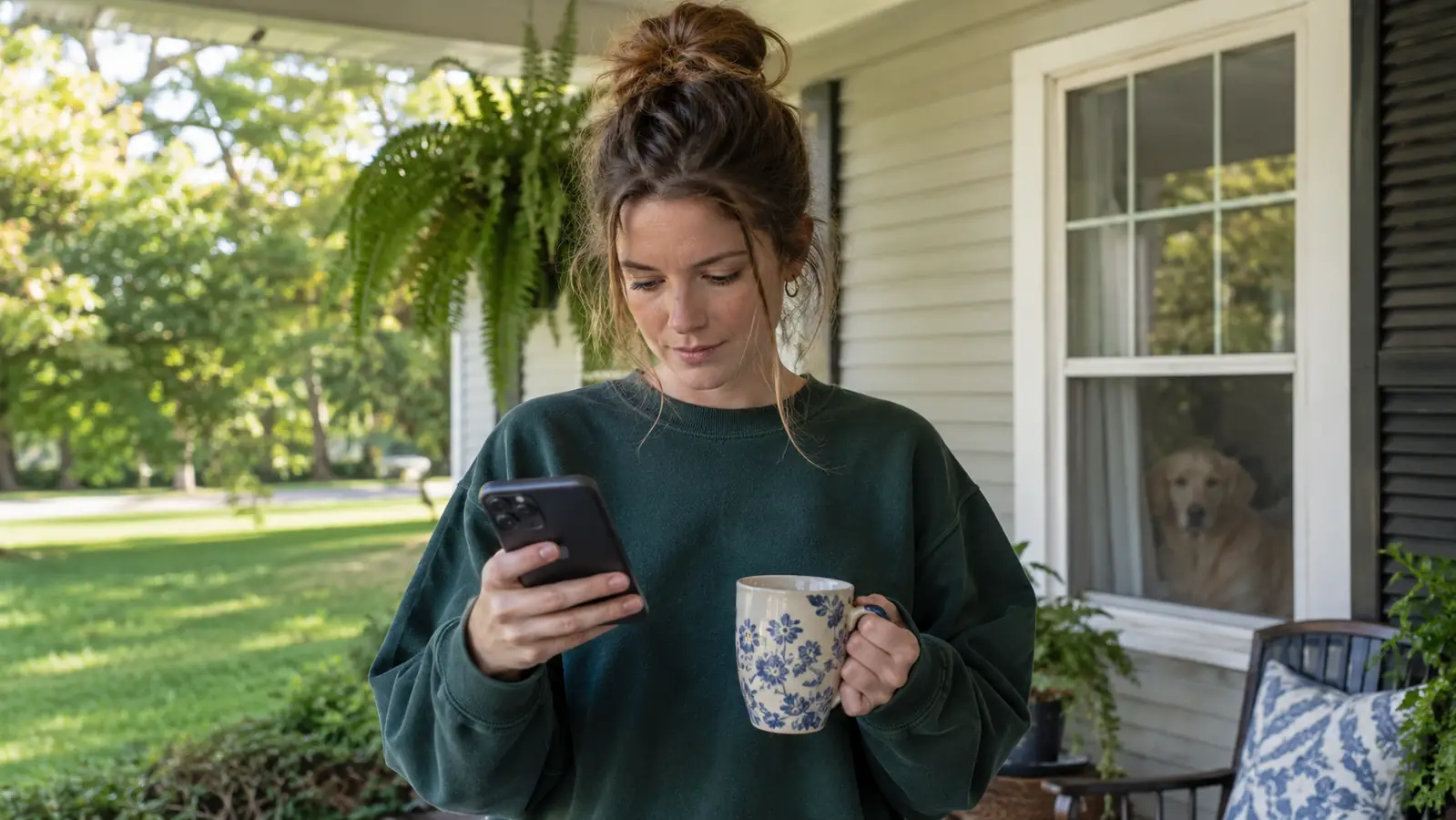
This is for the owner who wants to look in from a phone without adding another monthly bill. It is for the person whose dog is fine alone through a normal workday but who wants eyes on the room, and for the retiree whose schedule changed and whose dog did not get the memo. It is not for someone with a puppy who needs a door opened every two hours, because a camera cannot open a door. Gunner is six and settled, and this fits the way we actually live.
Set it up once, then get your evenings back
One placement decision, one alert setting, one treat rule. After that the camera earns its spot on the side table.
Amazon See the Furbo 360 on Amazon →